
Connecting your Mac to an external monitor the fast and easy way

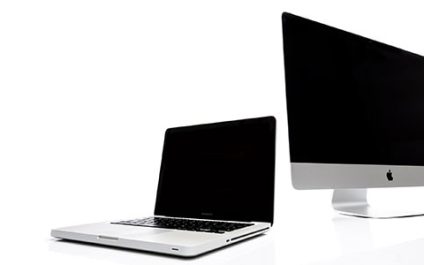
If you want an extended view of your Mac screen to be more productive at work, you need to connect it to an external monitor. This article will walk you through the steps on how to configure and connect your Mac to an external monitor.

Check the ports on your Mac and monitor
Before connecting your Mac to a monitor, take note of the ports each device has and whether you need any adapters to make them compatible.

Secure your Mac before discarding it

Well over half of Americans save account passwords to an application or web browser, and at least as many also store private documents on their computers. That’s fine for people who take active measures to protect their data, but if you give away a computer, you surrender all control over it.

Secure your Mac before discarding it

Well over half of Americans save account passwords to an application or web browser, and at least as many also store private documents on their computers. That’s fine for people who take active measures to protect their data, but if you give away a computer, you surrender all control over it.

When should you purchase a new Mac?

Like it or not, there will come a time when your once lightning-fast Mac computer can no longer meet modern computing demands. When this happens, you’ll face the following dilemma: should you stick to your current Mac computer or purchase a new one? To help you make this decision, we’ve listed several signs you need to watch out for.

SSD upgrade: How it boosts Mac performance

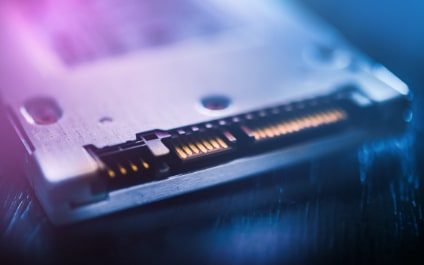
Your older Mac that has a hard disk drive (HDD) for data storage probably runs a lot slower now than when it was new. If you need a faster Mac, you can upgrade it with a solid state drive (SSD), the new standard in data storage. Learn why SSDs are better than HDDs.

They’re more reliable

Most consumer SSDs use NAND flash memory, a type of nonvolatile storage technology that doesn’t require power to retain data.

What you need to know about Mac ransomware

New strains of ransomware usually impact many Windows users, while only a small percentage of Mac users get affected. However, there are ransomware strains that specifically target Apple’s computers. Defending against these threats is crucial if your business mostly uses Macs.